
By kennedy Muthee
Introduction
Creating a presentation can be challenging, especially if you are unsure about which type best suits your assignment. Choosing the right presentation style improves clarity, engages your audience, boosts your confidence, and can even help you achieve better grades. Before you begin, it’s important to consider your purpose, audience, format, duration, and available resources. Are you aiming to inform, persuade, or motivate? Will your audience be peers, teachers, or external stakeholders? Is your presentation online or in-person, and how long should it be? Considering these questions will guide you toward the type of presentation that is most effective for your situation.
Informative Presentation
Informative presentations are designed primarily to educate and provide information without persuading the audience. They are ideal for lectures, research reports, or topic explanations. For example, a student presenting the results of a sociology study might use an informative presentation to share facts, charts, and visuals. The key is to create slides that serve as mini-textbooks, presenting information in a clear, structured, and professional manner.
Persuasive or Argumentative Presentation
Persuasive or argumentative presentations aim to influence opinions or inspire action. They are commonly used in debates, project proposals, and business pitches. For instance, a group of students presenting a startup idea or an environmental initiative would benefit from using strong arguments, statistics, and a call-to-action to persuade their audience. Adding relatable examples or personal anecdotes can strengthen the connection with viewers and leave a lasting impression.
Demonstrative/How-to Presentation

Demonstrative or how-to presentations focus on showing a process or teaching a skill in a clear and logical way. These presentations are perfect for lab sessions, masterclasses, or technical courses. A student might demonstrate how to use software or install an application step by step, using personal examples to enhance understanding and engagement.
Instructional/Training Presentation
Instructional or training presentations are similar but typically focus on teaching skills in short, digestible segments. Workshops or training sessions often combine slides with spoken explanations to guide learners through the content effectively. Breaking information into clear steps and testing slides in advance ensures the audience follows along without confusion.
Sales or Pitch Presentation
Sales or pitch presentations are intended to promote ideas, products, or services. They are commonly used in startup competitions, business courses, or commercial projects. For example, students might present a business plan to investors or create a mobile app shop concept. Effective sales presentations focus on the audience’s interests, highlighting unique selling points and making use of visually appealing slides to maintain attention.
Motivational/Inspirational Presentation
Motivational or inspirational presentations aim to engage and influence the audience emotionally. These presentations are commonly used at conferences, student gatherings, or award ceremonies. Sharing personal stories combined with visuals and audience interaction can create a compelling and memorable experience.
Report or Status Update Presentation
Report or status update presentations are used to communicate progress, results, or achievements. They are suitable for project courses, internships, or research groups. A concise and well-organized presentation allows the audience to quickly grasp key results, often using bullet points, charts, or visuals.
Virtual or Remote Presentation
Virtual or remote presentations focus on online engagement. Whether through webinars, hybrid courses, or video meetings, effective virtual presentations still require strong communication skills, body language, and interactive elements to maintain attention.
Emerging/Hybrid Presentations
Emerging or hybrid presentations include PechaKucha, Ignite, interactive live polls, and VR/AR presentations. PechaKucha and Ignite use strict slide timing to create concise, visually-driven narratives, while interactive polls help maintain engagement, and VR/AR presentations provide immersive experiences for audiences with technical skills.
Choosing the Right Presentation Type

| Question | YES → | NO → |
| Do I want to persuade my audience? | Persuasive presentation | Informative or another type |
| Do I need to show a process? | Demonstrative/How-to | Other types |
| Do I need to report progress? | Report/Status Update | Other types |
| Do I want to motivate using a personal story? | Motivational/Inspirational | Other types |
| Do I need to teach skills? | Instructional/Training | Other types |
| Do I want to sell something? | Pitch/Sales | Other types |
Choosing the right presentation type starts with asking yourself a few key questions. Are you trying to persuade or motivate your audience? Do you need to show a process or report progress? Will you be teaching skills, or are you aiming to sell an idea? Your answers will help determine whether a persuasive, motivational, demonstrative, instructional, report, or pitch presentation is most appropriate.
Here’s a polished version of your content rewritten in the EssayAssits style—clear, professional, and student-friendly, while keeping your meaning intact:
Frequent Student Mistakes When Choosing or Delivering Presentations
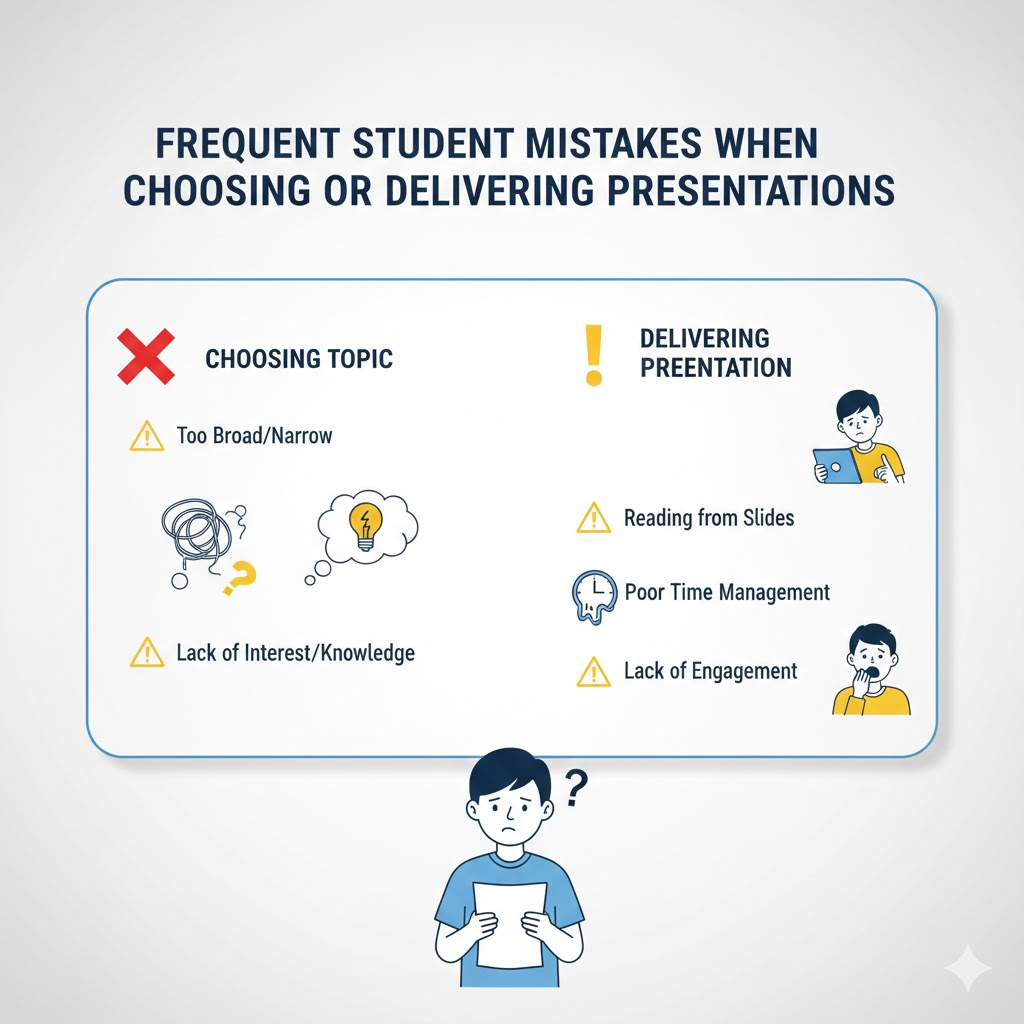
Presentations are a core part of academic life, but students often make avoidable mistakes that reduce their effectiveness. Understanding these common pitfalls can help create more engaging, persuasive, and professional presentations.
1. Choosing the Wrong Type of Presentation
One of the most frequent mistakes is selecting a presentation type that does not match the intended purpose. For instance, a student may prepare a sales-pitch-style presentation when the goal is to motivate behavioral change. This mismatch can confuse the audience and reduce impact. Always consider the type of presentation carefully and tailor it to the objective.
2. Ignoring the Audience’s Needs
Another key error is failing to address the audience’s knowledge level. Presenters often forget to explain complex or unfamiliar concepts, leaving listeners confused. To address this, it is helpful to include slides with a glossary of key terms or even add audio explanations to ensure clarity.
3. Poor Presentation Structure
A well-organized presentation is essential. Many students use low-quality visuals that change too rapidly, making it hard for the audience to follow. Learning how to design visually appealing PowerPoint slides can help maintain focus and present information effectively without overwhelming viewers.
4. Imbalanced Slide Content
Both too much and too little information on a single slide can disrupt the flow of a presentation. It is important to strike a balance, taking into account how much time will be spent on each slide. Well-paced slides with the right amount of content keep the audience engaged and enhance comprehension.
5. Failure to Adapt to Online or Hybrid Formats
With the rise of online presentations, students sometimes fail to adjust their content to suit virtual environments. Hybrid presentations require combining the strengths of both in-person and online approaches. Slides, visuals, and interactive elements must be optimized for digital formats to maintain engagement.
6. Mismatched Presentation Goals
A typical mistake occurs when students focus solely on informing the audience without attempting to persuade. For example, an informative presentation may fail to include persuasive arguments, leaving the audience aware of the topic but unmotivated to take action. Combining information with persuasion ensures that presentations are both educational and impactful.
Best Practices for Every Presentation
Once chosen, the most important aspects are structure, slide design, speed of transitions, font choice, audience interaction, and technical setup. Testing your presentation with a small group in advance can prevent common mistakes such as poor slide pacing, overloading slides with information, or neglecting audience understanding.
Common Student Mistakes
Students often make mistakes like picking the wrong type for their goal, ignoring audience understanding, overloading or underloading slides with content, poor visuals, or neglecting online/hybrid format adjustments. Being mindful of these pitfalls helps ensure your presentation is professional and effective.
Final Thoughts
By understanding the purpose and nuances of each presentation type, students can create more effective and engaging presentations. Whether informing, persuading, motivating, or demonstrating, careful planning, audience awareness, and attention to detail ensure your presentation has impact. If you’re unsure which type will work best, online experts like EduBirdie are available to provide guidance and support, helping students create presentations that are both impressive and academically successful.
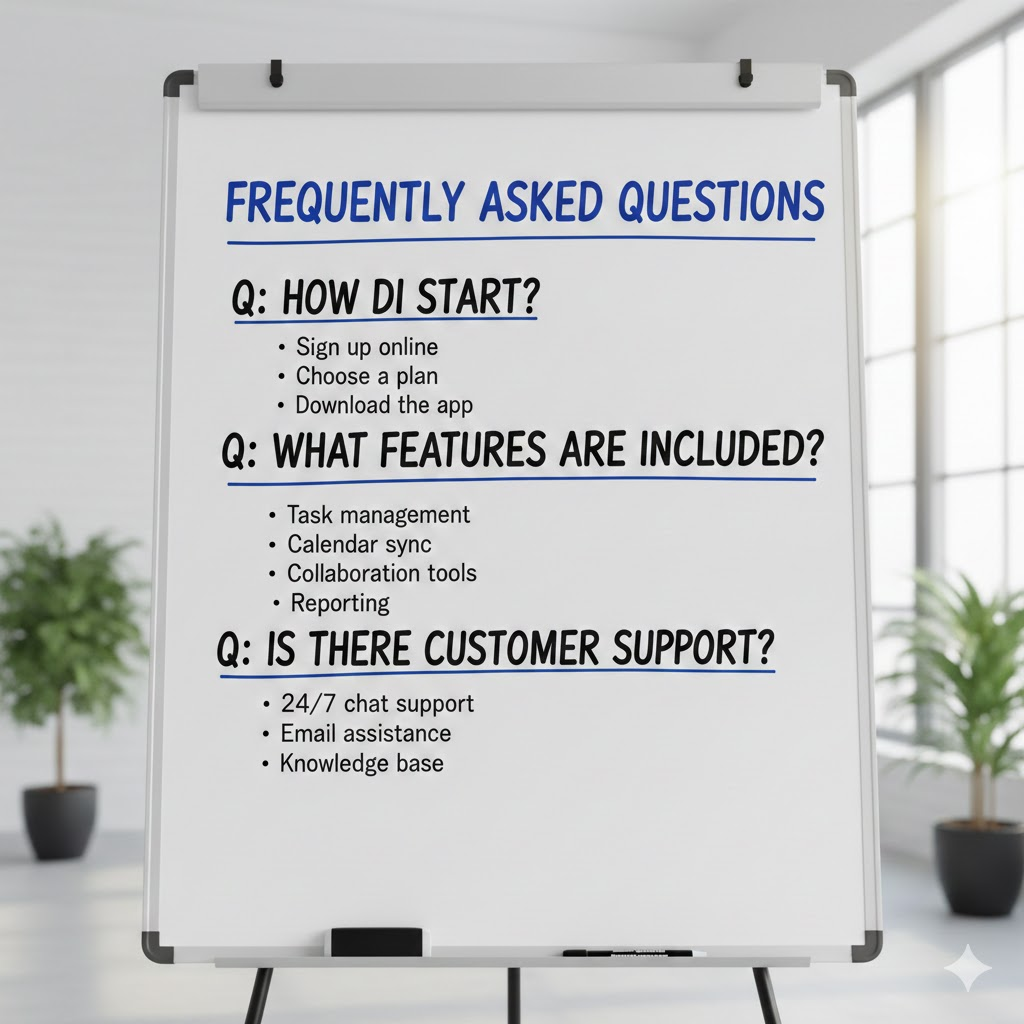
Frequently Asked Questions (FAQs)
1. What is the most important factor when choosing a presentation type?
The key factor is your purpose: Are you trying to inform, persuade, motivate, or demonstrate something? Your audience, duration, format (online/offline), and available resources also play a major role in deciding the type of presentation.
2. What is an informative presentation, and when should I use it?
An informative presentation is designed to educate or provide information without persuading the audience. Use it for lectures, research reports, or topic explanations, where clarity and structured data presentation are essential.
3. How is a persuasive presentation different from an informative one?
A persuasive presentation aims to influence opinions or inspire action, while an informative presentation simply delivers facts. Persuasive presentations are ideal for debates, project proposals, business pitches, or campaigns where you need your audience to take a position.
4. When should I choose a demonstrative or how-to presentation?
Choose a demonstrative presentation when you need to show a process or explain a skill step by step. Examples include lab demonstrations, software tutorials, or installation guides. Including relatable examples and visuals makes it easier for the audience to follow.
5. What is an instructional or training presentation?
Instructional presentations are designed to teach skills or concepts in short, digestible segments, often in workshops, training sessions, or lecture series. They combine slides with spoken explanations and may include step-by-step guidance.
6. How do sales or pitch presentations work?
Sales or pitch presentations are intended to promote ideas, products, or services. They focus on the audience’s interests, highlight unique selling points, and use engaging visuals to maintain attention. Ideal for startup competitions, business courses, or commercial projects.
7. What is a motivational or inspirational presentation?
These presentations aim to inspire, influence, or emotionally engage an audience. They often combine storytelling, personal examples, and visuals, and are used at conferences, student gatherings, or award ceremonies.
8. What are report or status update presentations?
These presentations communicate progress, results, or achievements, commonly used in project courses, internships, or research groups. They summarize key points concisely, often using charts, lists, or visuals to make progress easy to understand.
9. What is the difference between virtual/remote and traditional presentations?
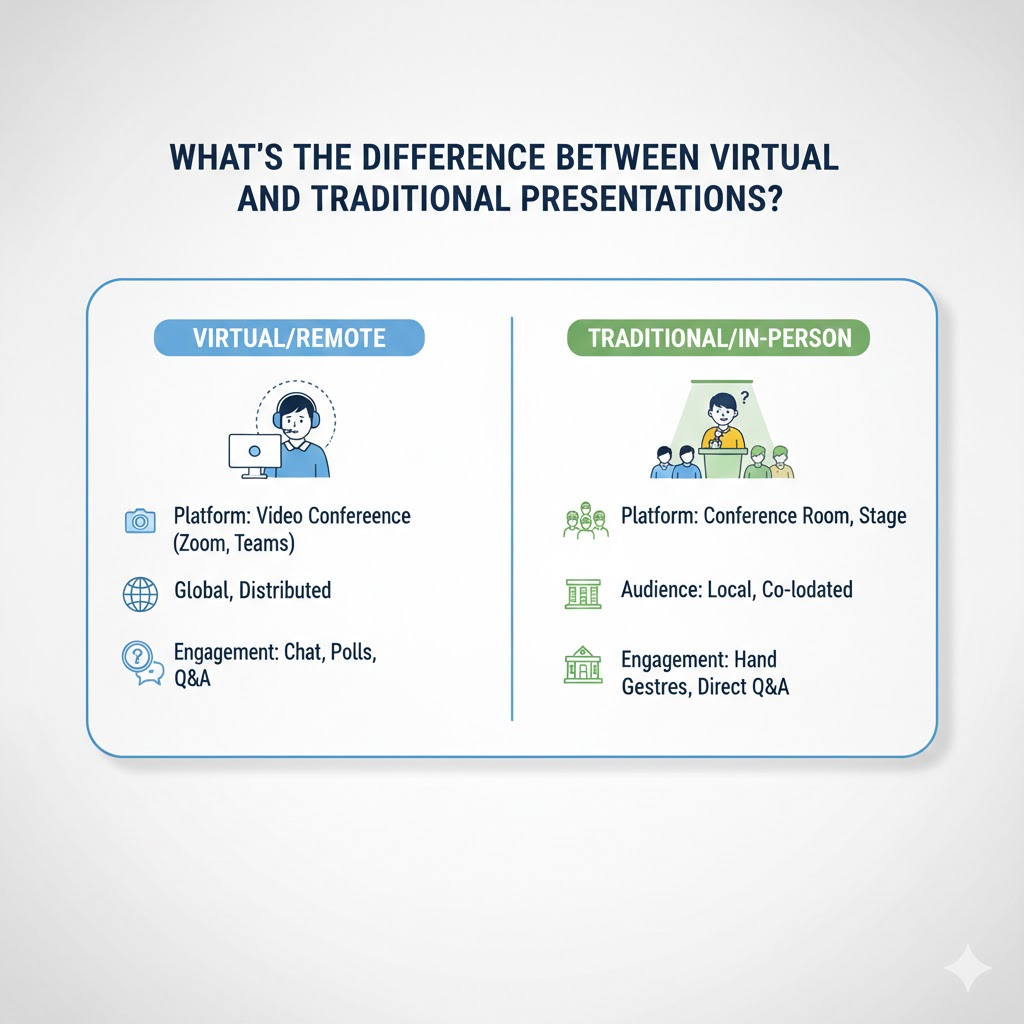
Virtual presentations take place online, such as webinars, hybrid courses, or Zoom meetings. They require strong communication, interactive elements, and careful planning to maintain engagement, just like offline presentations.
10. What are emerging or hybrid presentations?
Emerging types include PechaKucha, Ignite, interactive live polls, and VR/AR presentations. These presentations often use strict timing, visuals, or immersive technology to deliver fast, engaging, and interactive content.
11. How can I avoid common presentation mistakes?
Common mistakes include choosing the wrong type for your goal, poor slide design, too much or too little information, neglecting audience understanding, and failing to adapt to online formats. To avoid this, plan carefully, structure slides logically, and test your presentation in advance.
12. Can I combine different types of presentations?
Yes! Many presentations are hybrid, combining elements from different types, such as using motivational storytelling within an instructional or persuasive presentation. This helps tailor your content to the audience and purpose.
13. Where can I get help if I’m unsure about creating a presentation?
Online experts, like EduBirdie, can provide guidance or assistance in designing slides, choosing the right type, or structuring your presentation to make it effective and impressive.